UTTERO

Turn voice
into perfect text

Hold a key, speak, and text appears wherever you need it. For notes, emails, messages, or tasks.

Download for macOS

Version 1.2.6 | macOS 14+

Learn more ↓

Why Uttero

Uttero was born from a simple reason: no app did exactly what Daniel needed.

He tried various tools. Some transcribed great but needed internet. Others worked offline but made too many errors.

Instead of compromises, he built his own solution. Combining the best of both worlds with full customization.

What It Does

Uttero converts your speech to text wherever you're typing. Hold a key, speak, and text appears exactly where you need it.

Works offline and online. Offline mode offers basic transcription, online mode provides higher quality with advanced AI.

Supports Czech and Slovak with automatic text formatting. Customize style, punctuation, and formatting to your preferences.

Uttero in 5 Minutes

Video coming soon

Basic Shortcuts

Right hold
Start recording
Right double-tap
Toggle hands-free mode
Right hold
Enable command input

Advanced Shortcuts

V
Paste last text
C
Open history
1 - 9
Change text format
O
Toggle offline mode
L
Switch AI model

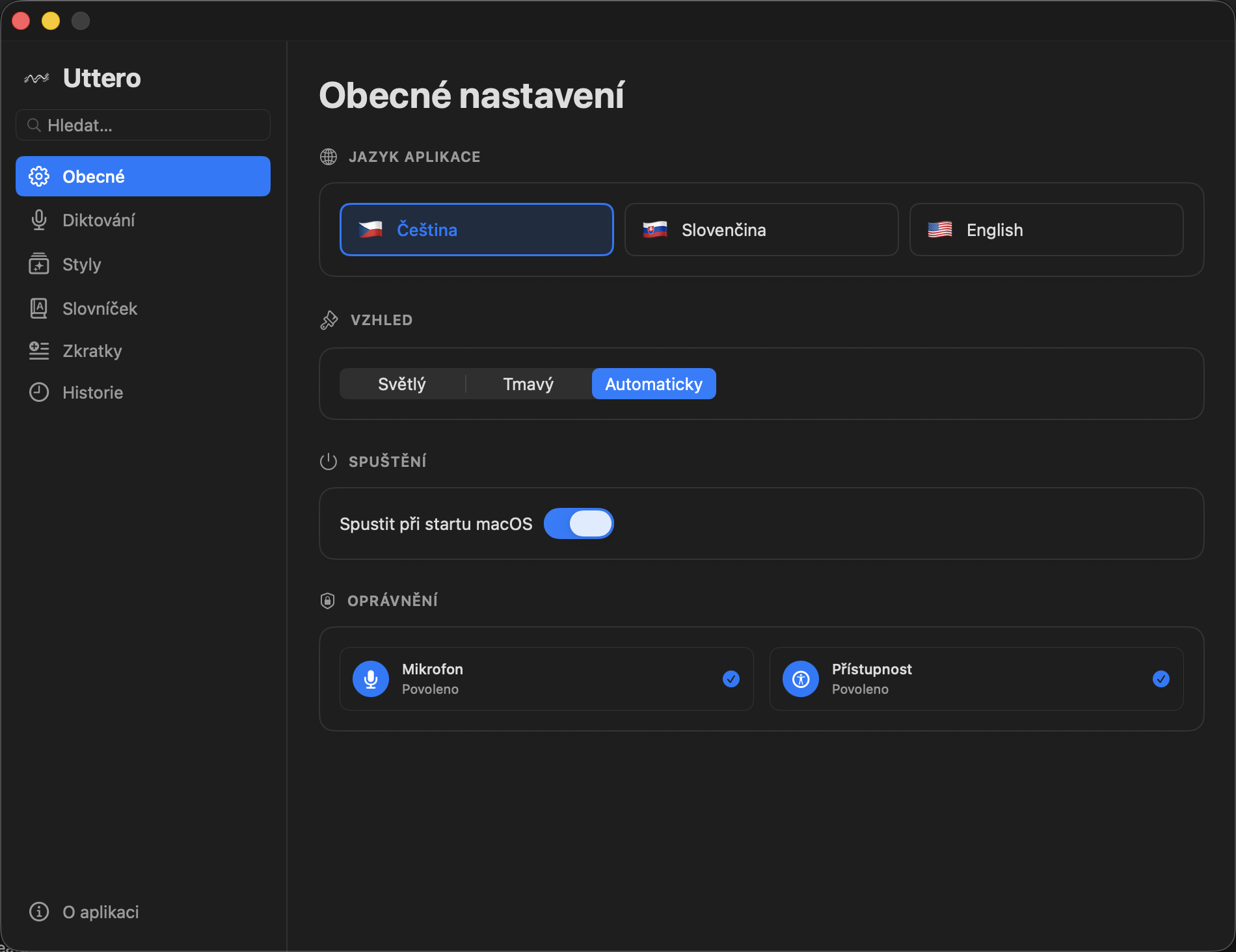
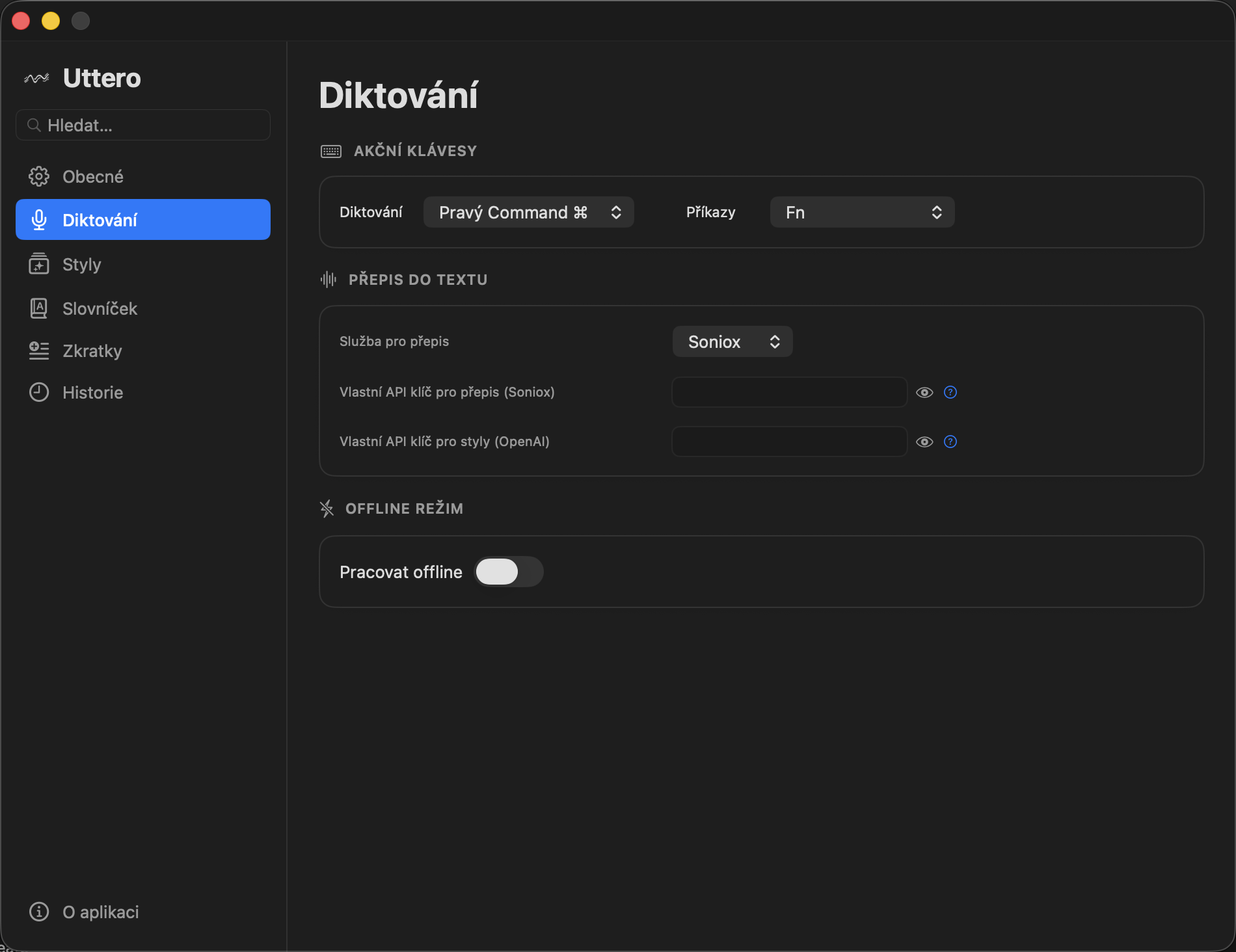
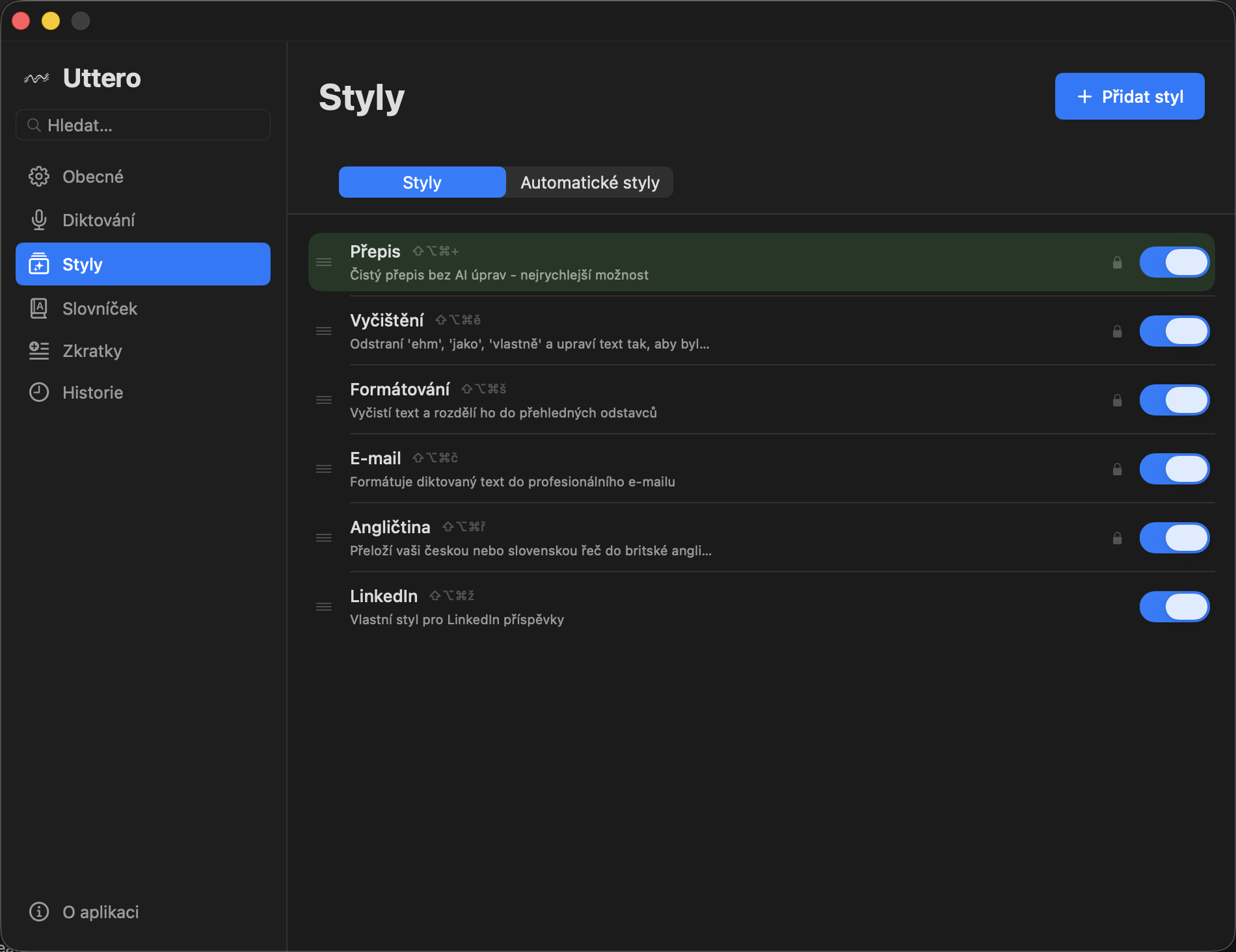
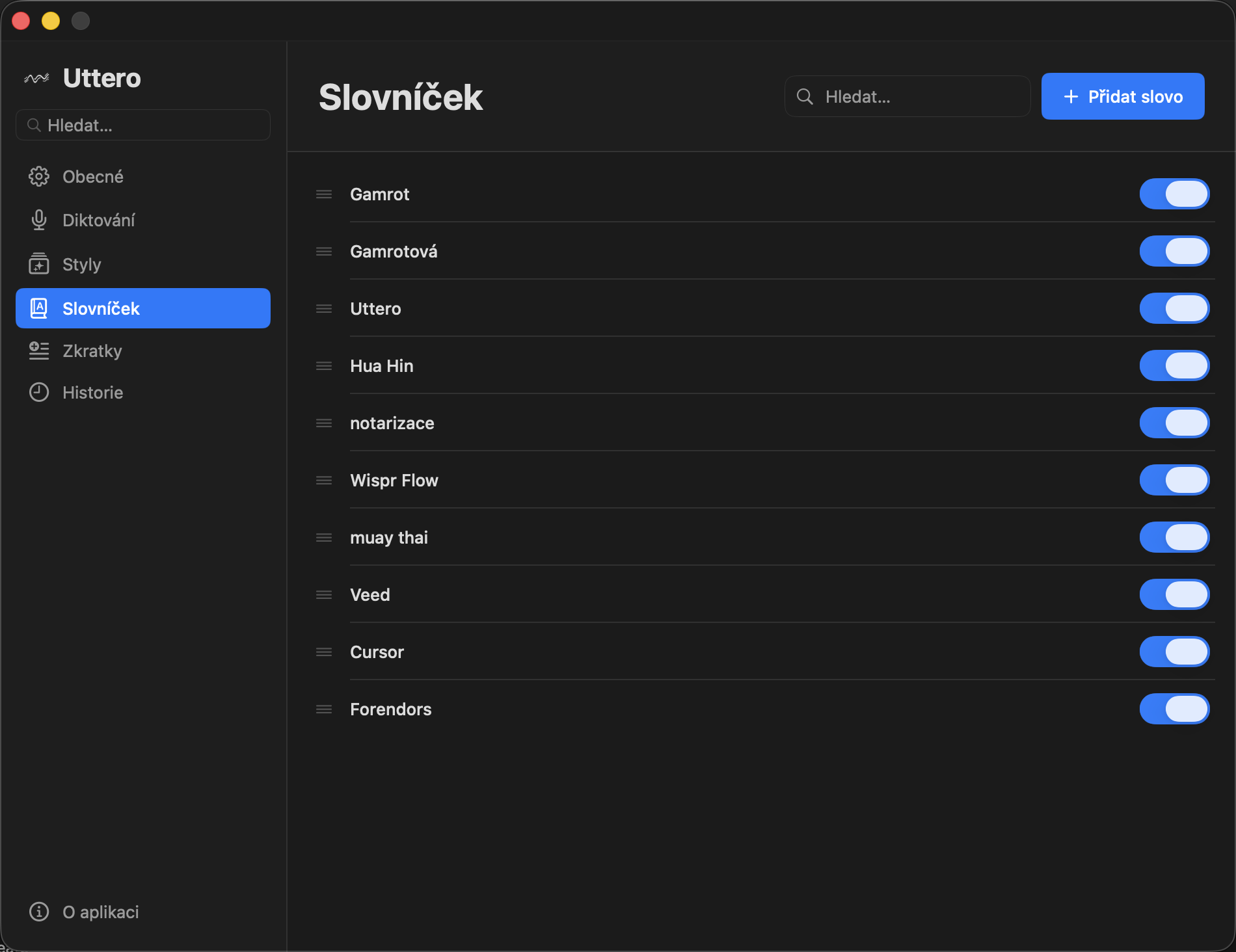
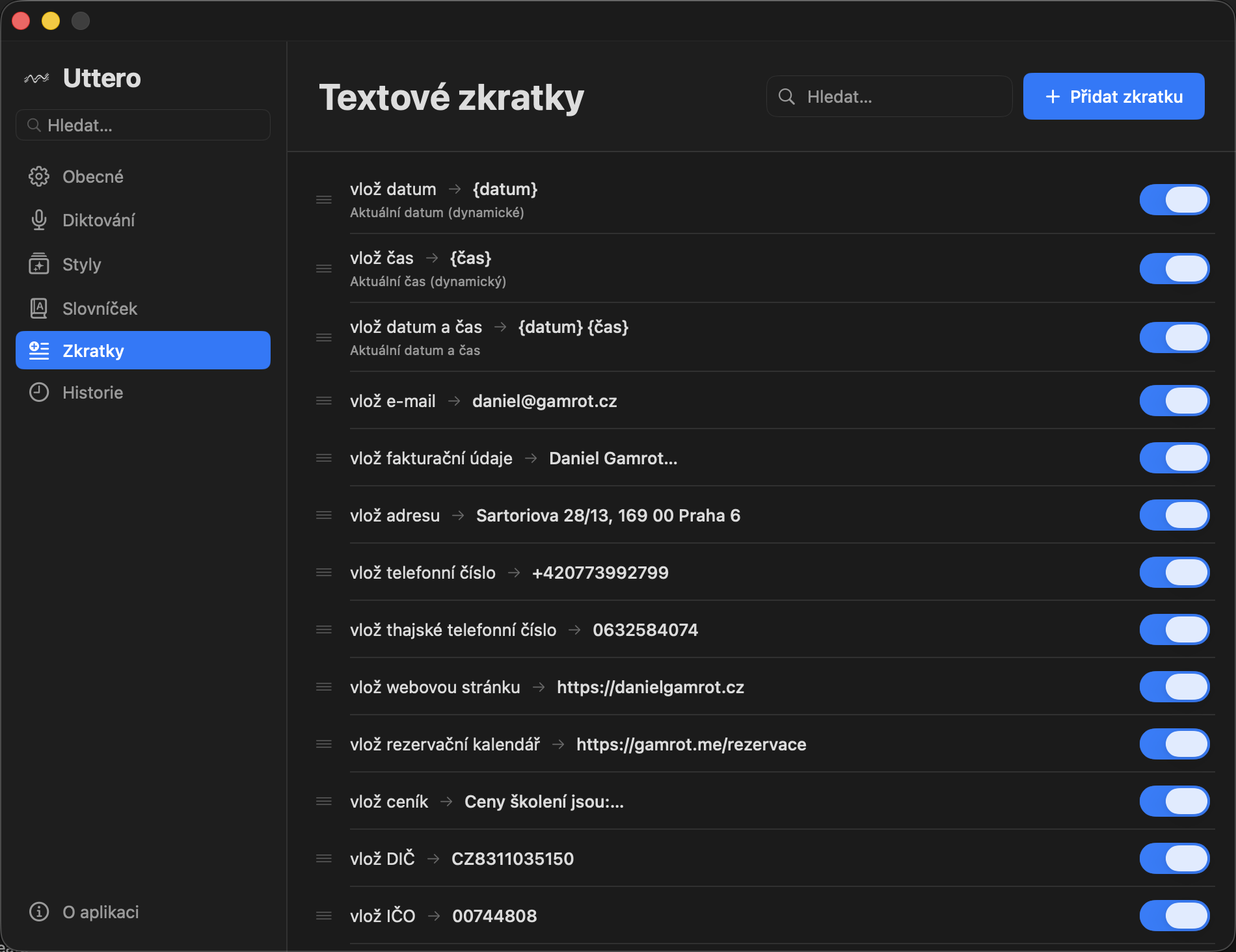
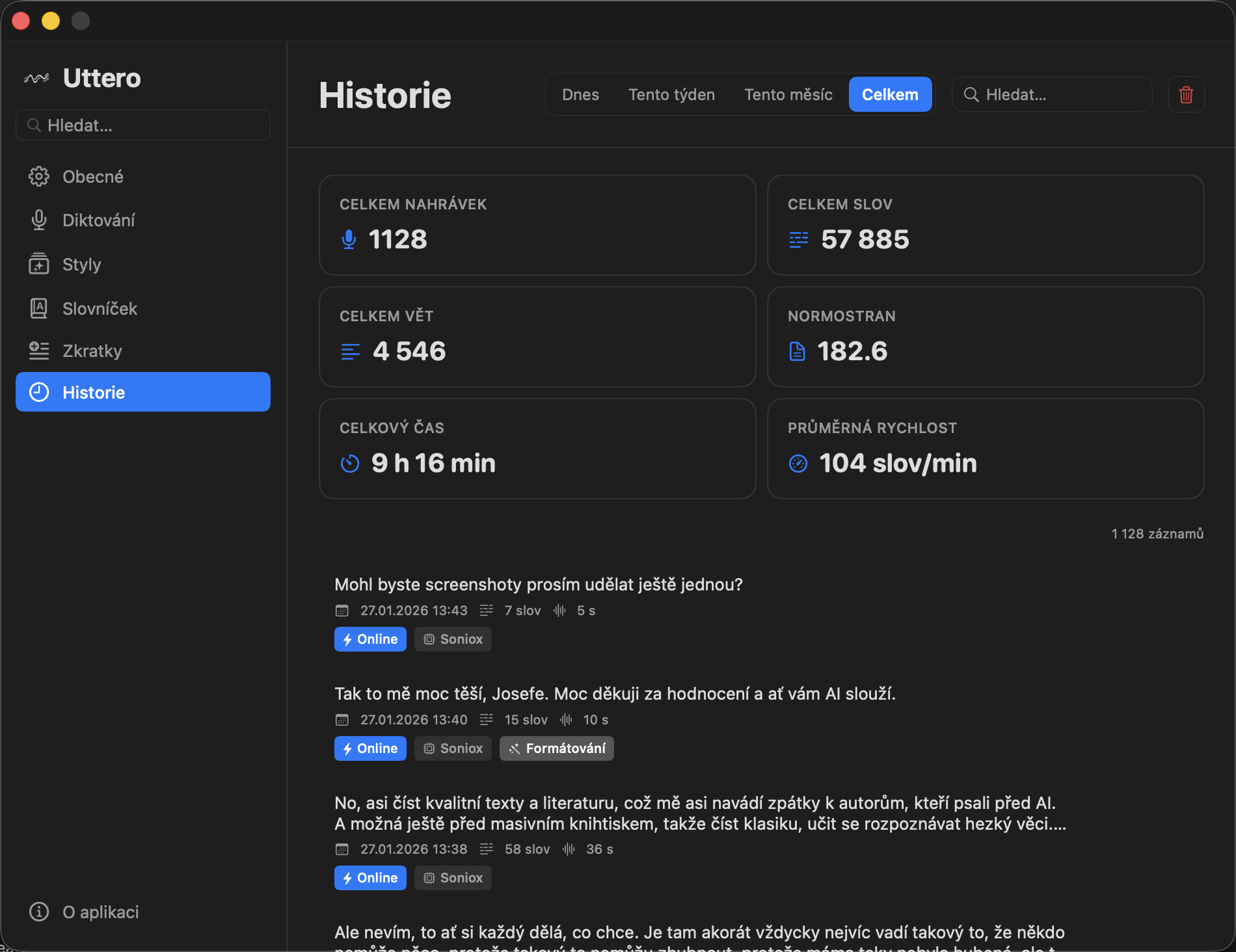
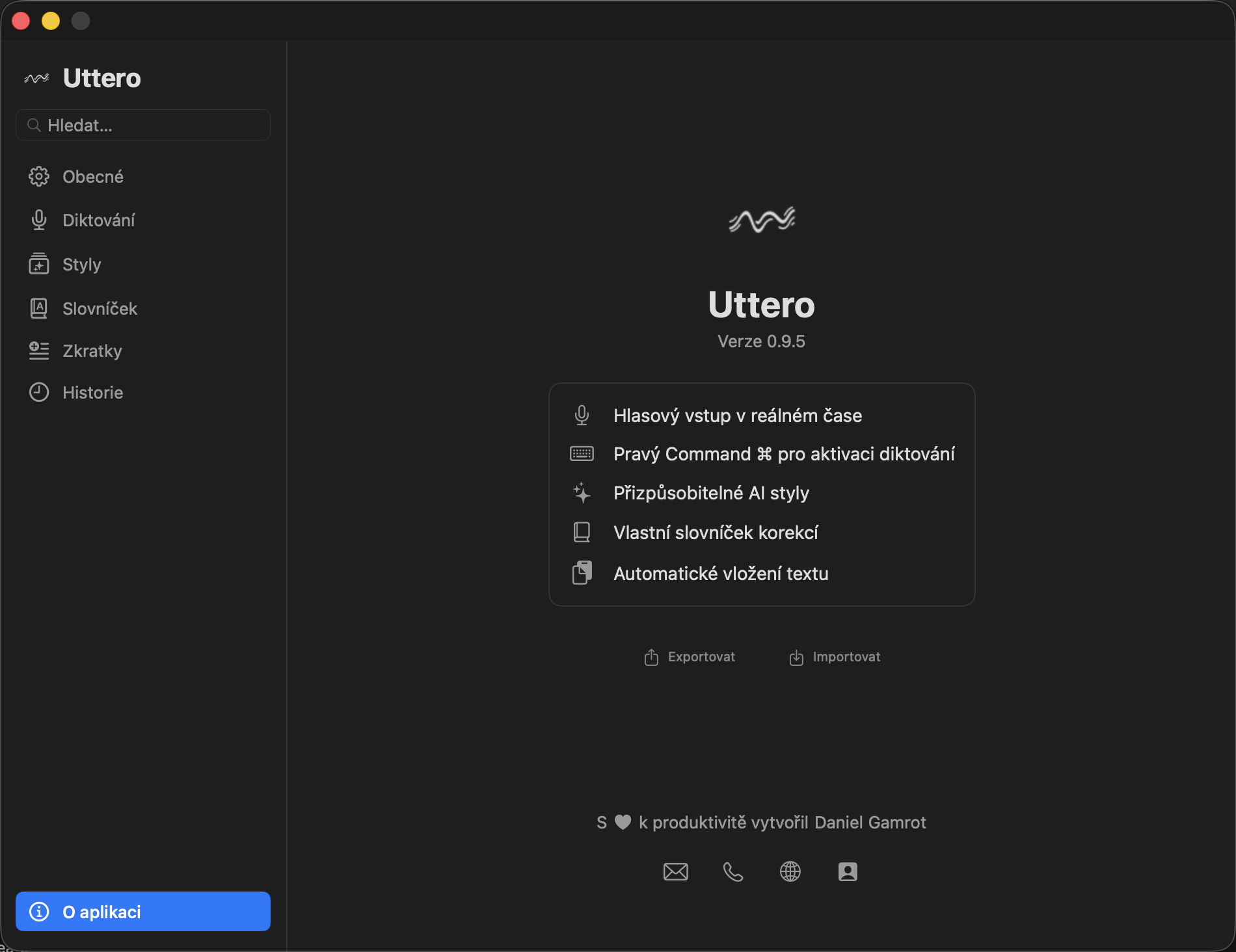
What Uttero looks like

Uttero

Who Made Uttero

Daniel Gamrot has been helping people work more productively for over 13 years. He combines proven methods with modern tools. He believes the right technology can transform how you work.

Besides training over 14,000 people, he creates his own apps. When there's nothing on the market that fits his needs, he builds it himself. Uttero is one of those results – a tool that actually works.

Training & Consulting

He teaches how to work more productively with AI and digital tools, but also how to work with yourself. Not theory, but practice. He'll show you what actually works and how to use it tomorrow.

His courses are used by companies like Kooperativa, UNIQA, ManpowerGroup, Valeo, Radeton and others.

13+
Years of experience
14,000+
Training participants
100%
Practice-focused

Digital Productivity

He combines proven methods with modern tools. He'll teach you to organize time, manage tasks, and leverage technology including AI. Everything starts with the basics.

It's about making tools actually help, not distract. Every app you use should have a clear purpose and deliver results.

Contact

Want to work more productively? Get in touch.